The HP Sprocket Select photo printer can be used for creation of visual facsimiles of company badges. Company badge designs are often observed during OSINT or onsite reconnaissance activities. Once an accurate badge representation is discovered, a facsimile can be created in any image editing application (mspaint, gimp, Microsoft Word with snipping tool, etc). Once the final image is ready, printing is completed using a mobile device via Bluetooth connection. Printing requires that the HP Sprocket mobile application be installed on a mobile device.
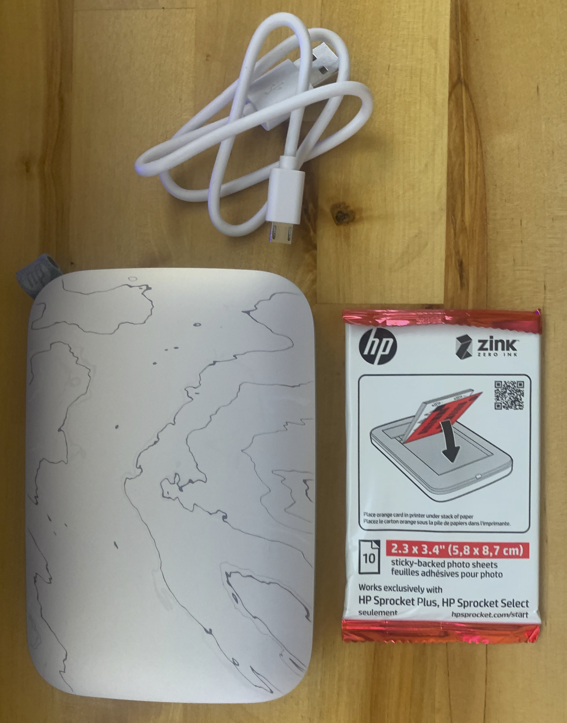
 The paper used by the printer is adhesive backed and is slightly larger than the size of a standard RFID card. Once the print is complete, the photo paper is applied to the RFID card, then trimmed using an X-Acto knife.
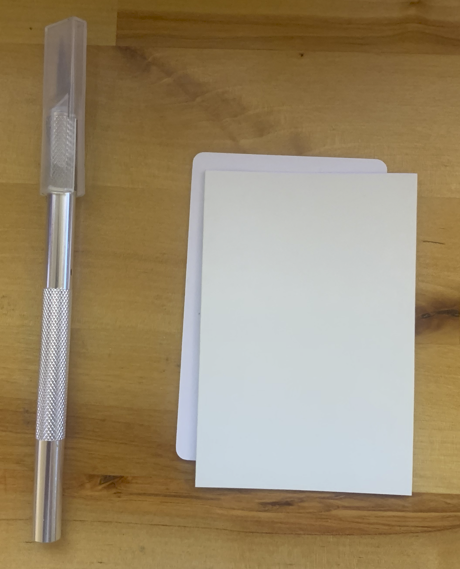
The result is a high quality visual representation of an employee badge. Since the image is on the photo paper applied to the RFID card, rather than direct print, the photo can be removed and the badge reused. An example badge used on an actual test is shown below.